What is the FPL Wildcard? Top tips, strategy and best AI team
Everything you need to know about the FPL Wildcard, from the basics to 2024/25 strategy tips and how our AI can help you pick the best team.


What is the FPL Wildcard and when can it be used?
We answer these questions below as part of our FPL Training Academy series, covering all the basics of the game.
Our How to Play FPLpage covers everything you need to know, with guides for complete beginners and managers who want to gain an edge over the competition and win their mini-leagues.
For everything else, including our tips on best players and expert team reveals, see our Ultimate Guide to FPL – there’s plenty of free information but for access to our best stuff and incredible toolbox, you’ll have to become a Hub member.
What is the FPL Wildcard? The basics
In this section we cover the most frequently asked questions about the FPL Wildcard – and after that we go on to discuss more detailed tips for the 2024/25 season and how our tools can help you pick the optimum Wildcard side.
🤖 The Best FPL Wildcard team according to artificial intelligence 🤖
What does the FPL Wildcard do?
The Wildcard allows you to make unlimited changes to your team ahead of the next gameweek.
In a normal gameweek, you will only be able to make a limited number of transfers without incurring a points penalty.
This makes the Wildcard a very powerful chip – and using it at the right time should give your team a major boost.
How many Wildcards are there in FPL 2024/25? When can they be used?
We are provided with two Wildcards over the course of the season, with each having to be used either side of the Gameweek 20 deadline.
Can you cancel the FPL Wildcard?
FPL states in on its frequently asked questions page that the Wildcard cannot be cancelled once activated.
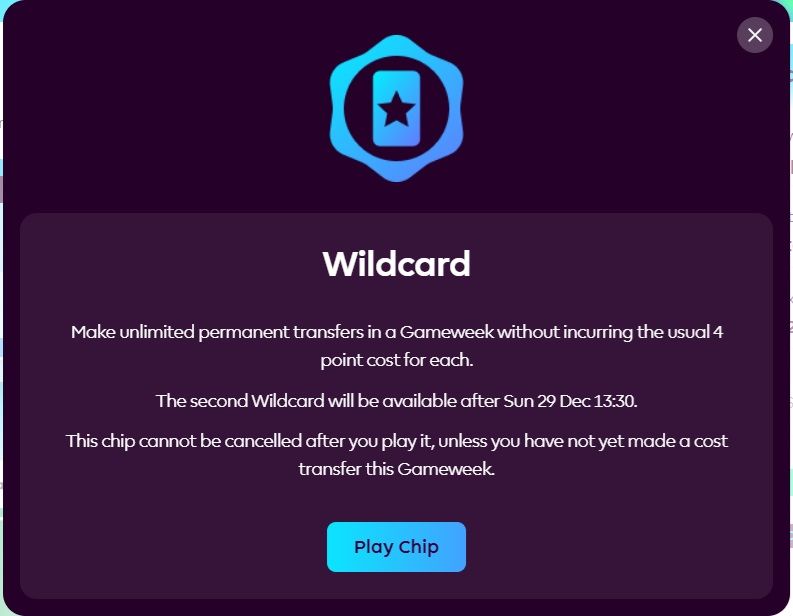
When you click the Wildcard button however, the pop-up indicates it can be undone if you have not made enough transfers to incur a points hit had you not played the chip.
But our advice is to be sure you want to play the Wildcard before clicking the button.
How to use the FPL Wildcard
To use the Wildcard, head to the FPL transfers tab.
If you’re on the desktop or web browser version of the website, you can click the Wildcard button at the top of the screen. This will bring up the pop-up seen above – and then all you need to do is click ‘Play Chip’.
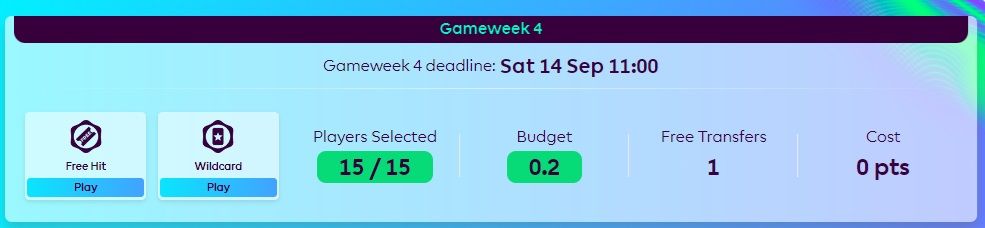
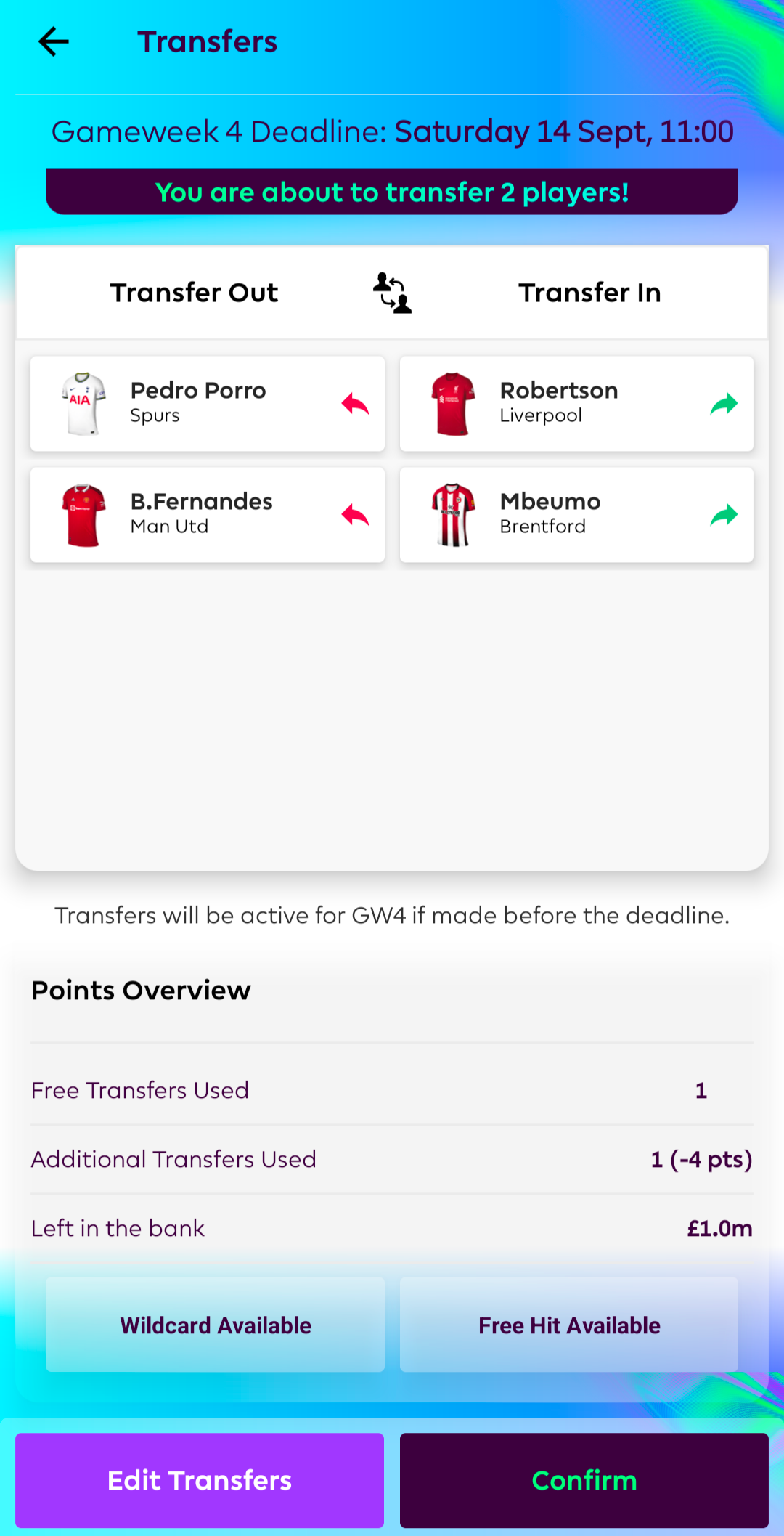
Mobile app users meanwhile will need to make their transfers, click ‘Next’ and then the ‘Wildcard Available’ button. Once that reads ‘Wildcard Active’ and you press ‘Confirm’, the chip will be in play.
Do you have to make all your transfers in one go?
No, once the Wildcard is activated, you can make transfers at any time before the gameweek deadline.
How does the FPL Wildcard differ to the Free Hit?
The Free Hit chip allows unlimited changes for one gameweek only. You will get your previous team back once the gameweek is complete.
Your Wildcard is a longer-term chip, with changes made lasting from that point onwards.
Can you use the FPL Wildcard and Triple Captain together?
No, only one chip can be active at one time, so you can’t play both Wildcard and Triple Captain in one gameweek.

Will you lose your saved transfers when you Wildcard?
Before the 2024/25 season, if you had the maximum two free transfers before your Wildcard, you lost your saved transfer and would go back to one the following week.
But this season, any saved transfers are retained. If you had three free transfers before your Wildcard, you will still have three transfers afterwards.
This is an important thing to remember when planning your Wildcard strategy.
How to take advantage of price changes using the FPL Wildcard
Players rise and fall in price all the time in FPL and this affects how much money you have to build your future Wildcard team.
If you activate your Wildcard soon after the end of the gameweek, you can move in players who are rising in price to boost your team value.
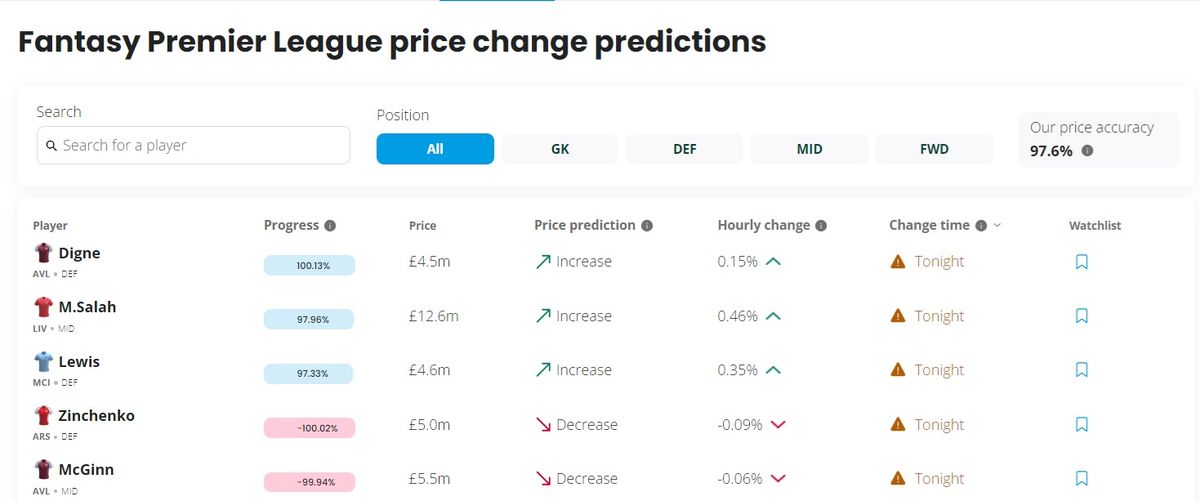
This strategy is particularly effective when using the first Wildcard as player prices tend to me more volatile early on when lots of managers are engaged with the game.
FPL does not reveal how it calculates price changes – but our tool above uses advanced algorithms to give you a real-time forecast.
Once you’ve activated your Wildcard, bring in players who are predicted to rise each night in a bid to improve your team value. You can finalise your actual team nearer the deadline and if the players you’ve brought in have risen enough, you’ll have a slightly bigger budget.
A word of warning though – don’t sell a player unless you’re 100% certain you don’t want them any more.
If you started the season with Erling Haaland when he was priced at £15.0m for example, and then sell him, if you decide you do want to keep him, you’ll have to pay £15.2m – or whatever his current price is.
You should therefore only use this strategy if you’re confident and understand how price changes work. See our price changes guide for more details.
How to pick the best FPL Wildcard team with Hub AI
Here at the Hub, we have you covered no matter what week you plan to Wildcard.
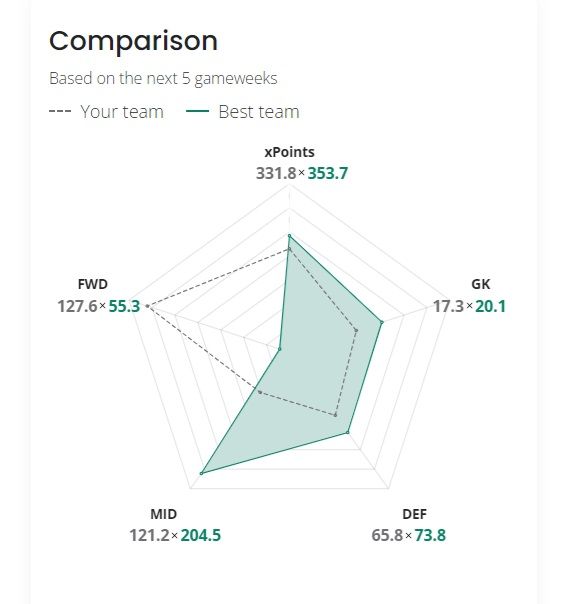
Members can find our AI Wildcard team for the current gameweek in our My Team tool. It shows how your existing squad is expected to perform over the next five gameweeks compared to the AI team.
The AI Wildcard team changes regularly in line with tweaks to expected minutes and predicted points.
We cover a snapshot of the AI team and discuss tips for wildcarding in our weekly Wildcard article, which can be found in our Ultimate Guide to FPL.
Here, we’ll look at the best fixture runs and predicted points scorers and discuss the reasoning behind some of the AI’s picks.